I’m sure you all know by now that I have a keen interest in technology and that I love all things assistive tech. From my iPhone, laptop and braille display, technology plays a huge part in my life.
I’ve had an Amazon Echo for around three years now, in fact, our Alexa collection has grown, and we have quite a few around the house.
I was very intrigued by the Amazon Echo when it was first released and started to become popular due to the fact that it was mainstream technology that seemed fully accessible for someone with no useful vision like myself.
Companies like Amazon have normalised voice activated technology in a way, making the products something that everyone would find useful, whether you have sight or not. I’m a firm believer that companies like Amazon, Apple and Microsoft are leading the way in terms of making mainstream technology accessible.
It is worth noting that every Amazon Echo is fully accessible for people with a visual impairment, including the Amazon Echo Show and Amazon Echo Spot which both have screens. Amazon have thought of accessibility for these devices for people with a visual impairment as they developed a screen-reader called VoiceView, and also have other features such as a screen magnifier, colour inversion and colour correction. These accessibility features are built into the devices. There are also features for people with a hearing impairment.
At first, I did wonder if I would use the Amazon Echo, but I can safely tell you that I use it every single day. Would I be without Alexa now? Definitely Not.

In 2019, Amazon launched an advert which highlighted how technology can benefit the lives of people with sight loss and make a real difference. The advert demonstrated how people can carry out their morning routine by using their Amazon Echo to check the time and the weather.
In the advert, the woman wakes up, makes herself a coffee and then gets ready to head out. She asks Alexa the time and the weather, the advert also features a guide dog and viewers then realise that she has a visual impairment.
I think this advert is a great way of highlighting how the Amazon Echo is useful for people with a visual impairment.
I often see blind and visually impaired people asking questions about whether they think the Amazon Echo would be useful for them or a family member with a visual impairment and what they can be used for, so I thought I’d share some things that they can make a bit easier for blind and visually impaired people.
Finding out the date and time
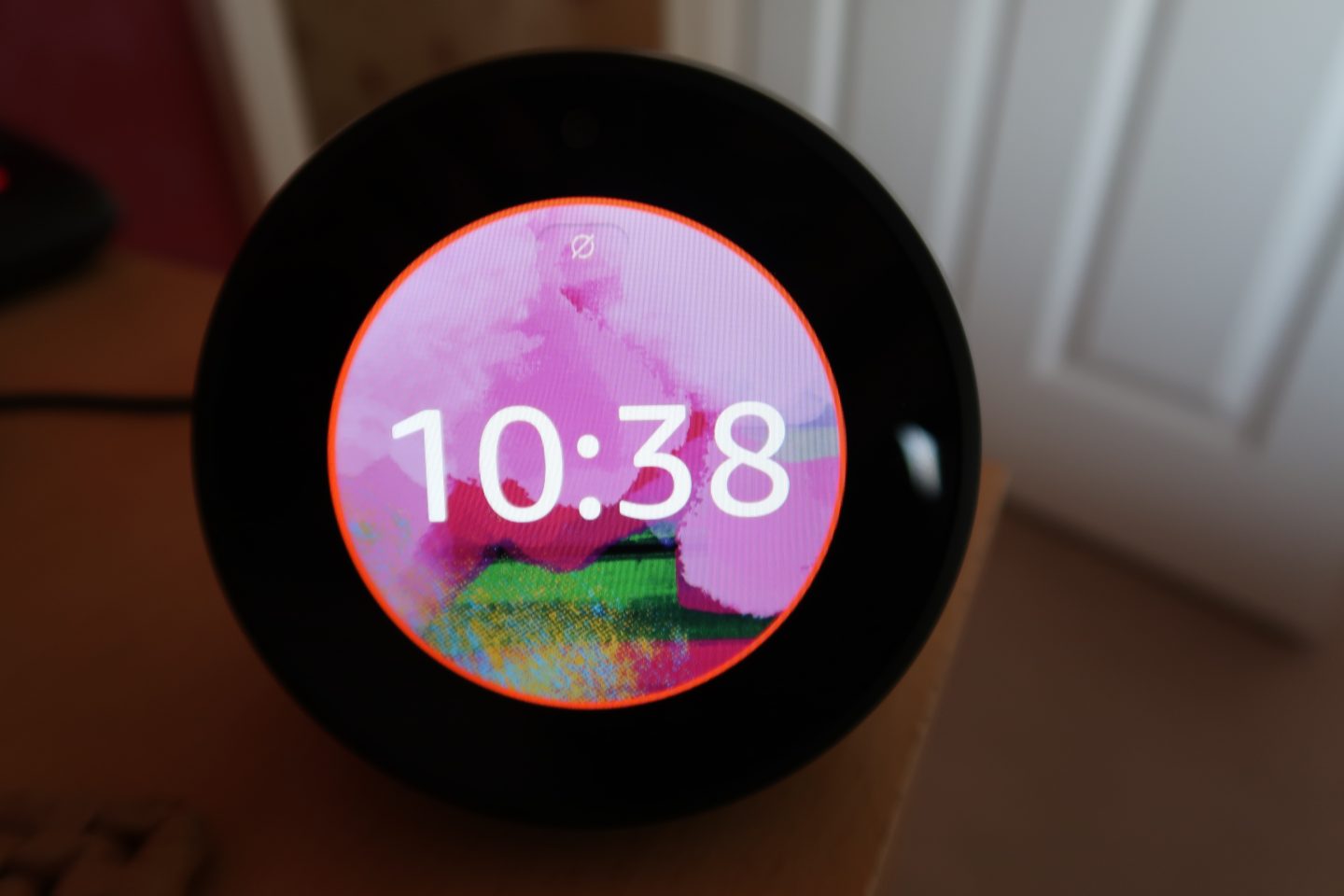
It sounds like something so simple but asking Alexa the date and time is really useful, especially if you don’t have a phone or similar device to hand.
Setting alarms and reminders
When I was younger, I’d have a clock on my bedside table that I used to have to press various buttons in order to set an alarm to wake me up in the morning, then I moved onto setting alarms on my phone as it was much easier and a lot quicker.
Alexa makes setting alarms very quick and simple; you can even wake up to one of your favourite tunes.
In terms of reminders, I constantly used my phone and wrote them down in the notes or reminders apps, but with Alexa I can set reminders very quickly and she will announce them for me, I also get a notification on my phone so I never miss them.
Adding things to your shopping list or to-do list
You can ask Alexa to add items to your shopping list or to-do list, you can then access them when you’re out shopping for example using the Alexa app. It’s a great way of staying organised!
Checking the weather
Most people check the weather on a phone app, but I find it a lot easier to ask Alexa what the current weather is. It’s also great to do before you go out. She gives great detail such as telling you whether it’s raining, cloudy or sunny, and is very accurate.
You can set up your location on the Alexa app. If you want the weather first thing on a morning, then you can set up routines and she’ll read it out loud as part of a list of actions.
Getting the latest news
Alexa has a range of skills for this, it means that you are able to get the news just with one simple command and stay up to date with what’s going on in the world.
Using smart plugs
I recently got an Amazon Smart Plug and let me tell you, it’s fantastic! I’d been debating whether to purchase one or not for a while as I didn’t know if I’d use it and what I’d use it for, but now that I have one, I’m planning on purchasing some more!
I find it an essential and very useful accessibility feature.
Smart plugs enable you to operate anything that runs on electric with Alexa. I have my plug connected to my straighteners and it’s great just being able to tell Alexa to turn them on or off.
One of the things that I really like about some Smart Plugs is that they make a clicking sound when being turned on/off which is really helpful for me as someone with no useful vision. I can’t say whether all smart plugs do this but some certainly do, it is a feature that is very helpful.
Controlling the heating
Rather than using physical controls on a thermostat, it is possible to control the heating from a smartphone or Alexa with certain devices. Heating controls can sometimes be a bit difficult if you can’t see so being able to control it through the Amazon Echo makes it easy and accessible.
We recently purchased an Alexa compatible thermostat and it is brilliant, I’m able to turn the heating on and off without worrying whether I’ve done it correctly.
Controlling the lights
Some blind and visually impaired people suffer with sensitivity to light, so being able to dim the lights or turn them on/off with smart plugs and bulbs can really help with this.
We have a couple of smart bulbs around the house and they are very useful.
Managing calendars
I primarily use my phone calendar to keep track of what I have going on, but I can just ask Alexa to tell me what I have on that day and she will tell me. You can also add events by voice.
It is a great way of keeping organised and staying on top of what you have going on.
Finding recipes
Society seems to have this idea that blind and visually impaired people can’t cook, well let me tell you, we actually can. We have our own methods and adaptions when cooking independently.
You can find new and interesting recipes just by speaking to Alexa, she will then read out the ingredients, the cooking methods etc.
Setting timers
You can set a timer quickly just by using your voice and Alexa will let you know when the timer is up, you can also ask her how long is left on the timer.
Listening to the radio
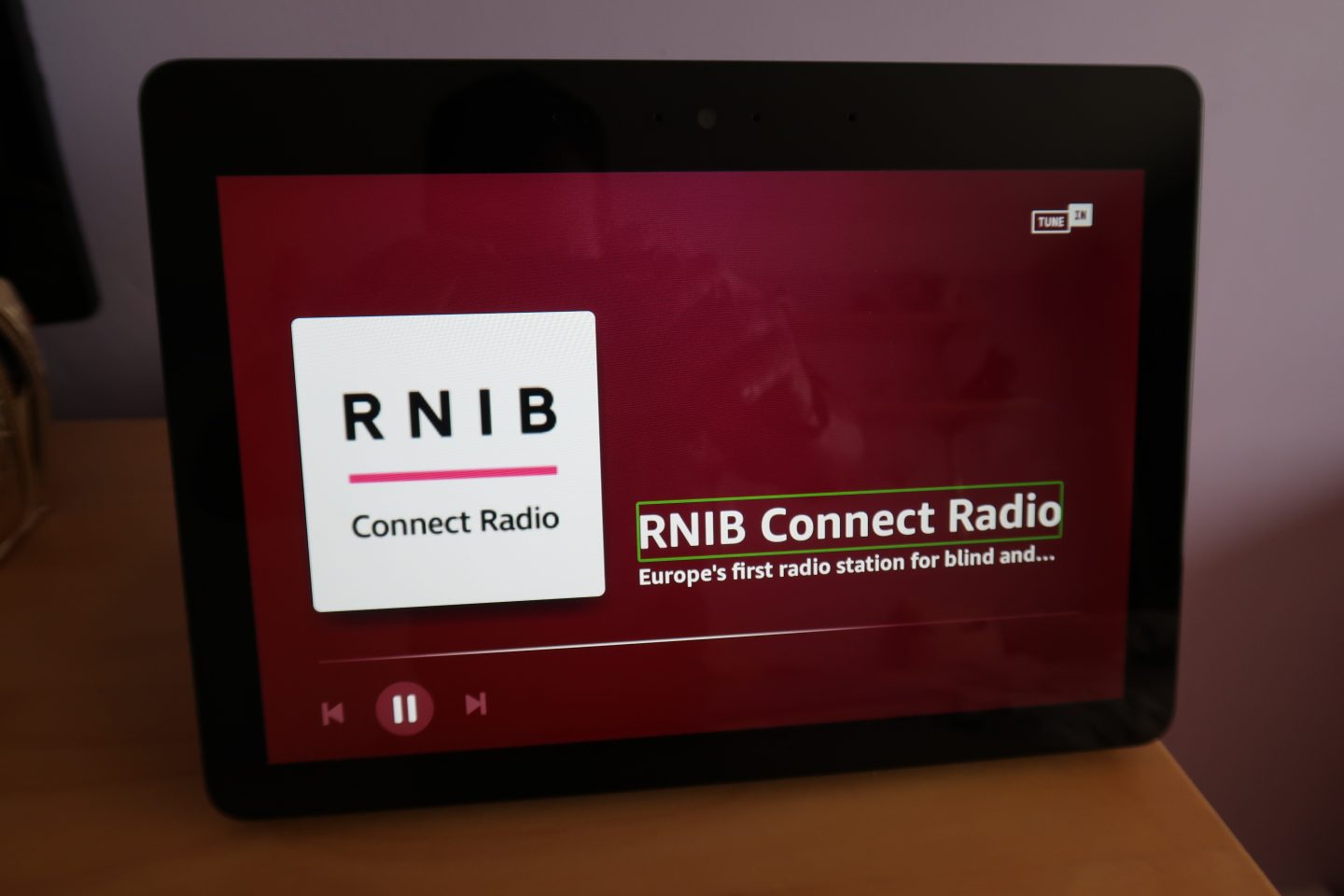
Just by using one command, you can listen to your favourite radio stations.
Listening to music
There isn’t a day that goes by where I don’t listen to music, whether I’m streaming music or listening to the radio, I’ve always got some sort of music playing.
Listening to music on the Amazon Echo is really easy to do and it has a great sound as well. It is even better that you can link your Amazon Echo with streaming services such as Amazon Music, Spotify and Apple Music.
Reading
Many years ago in my experience there didn’t used to be a great deal of books transcribed into braille or many audio books, unlike there is today.
Things like Audible, Kindle and Apple Books have transformed reading and made audiobooks and eBooks something that is no longer just for people with a visual impairment, they can be for anyone and everyone.
You can play books from Audible or Kindle on the Amazon Echo with one command and Alexa will start reading straight away.
One feature that I love is that I can listen to a book on my iPhone or iPad and then pick up where I left off on my Amazon Echo.
Reading the TV guide
I’ve never actually been able to read the TV guide unless I’ve asked a sighted person to read it to me or looked online, but now Alexa can tell me what’s on TV.
Sighted people can just look at the TV to see what’s on whereas many people with sight loss can’t, so that’s where Alexa comes in.
The TV guide skill is great for knowing what’s on TV when, and you can even get it to remind you when a show is on.
Searching and getting information
Most of the time I will use my phone or computer to search online for the information I need, but asking Alexa some things such as opening times for a business, finding a restaurant, finding out what’s on at the cinema and much more is really quick and simple.
This is great if you need to find something out quickly and takes the hassle away from trying to navigate inaccessible websites.
Purchasing items from your product history
If you are an Amazon Prime member then you can re-order products from your order history by talking to Alexa.
If you have an Amazon Echo Show or Echo Spot, then you can also search for products.
Voice shopping is a very convenient and accessible way of shopping.
Communication
You can make calls and send messages using Alexa, you can also drop-in to other Echo devices that you have around the home. I don’t use these features as much but they do come in useful from time to time.
Connecting devices via Bluetooth
You can connect a smartphone or other device via Bluetooth and use the Amazon Echo as a speaker. I sometimes use this when listening to books from RNIB Overdrive for example.
Playing accessible games
As all of the games are played by voice on any Amazon Echo, they are fully accessible for blind and visually impaired people as there are no visual aspects.

You can do even more things by using skills, they are similar to phone and tablet Apps and bring your Echo to life. There are thousands of skills that really enhance your experience using Alexa. There are skills in many categories – food and drink, games, health and fitness, movies and tv, music and podcasts, news, productivity, shopping, sports, travel and the weather just to name a few. There are also kid skills that will keep the little ones entertained.
All skills are fully accessible for blind and visually impaired people as you use them by interacting with Alexa.
That is just a bit of an insight into why the Amazon Echo is great for people with a visual impairment and how some of the features are beneficial for people with sight loss.
I also hope this post shows that technology can make such a huge difference for blind and visually impaired people.
Do you have an Amazon Echo? If so, do you have any other features to add? Let me know in the comments.
Holly x

![There’s a phrase we hear far too often: “fully accessible”.
Hotels use it. Venues use it. Website developers use it. Event organisers use it.
On the surface, it sounds brilliant. But there’s no one size fits all approach to accessibility.
Because accessibility isn’t a box you can tick once and forget about. There isn’t a magic point where something becomes accessible to every single disabled person.
Our access needs are different. What works for one person might not work for another.
Rather than asking, “is it accessible?”
Ask: “Accessible for who?”
In my latest blog post, I’m exploring why “fully accessible” is a myth. Head to the link in my bio if you’d like to give it a read.
[Image descriptions:
Image one: Holly stood on a pier, leaning against a railing by a sandy beach with the sea in the background. She wears a black T-shirt, a skirt with a colourful floral pattern, a silver necklace and glasses.
Image two: Holly sat on a low stone wall beside a shallow stream with a path running alongside it. Dense green bushes and trees line the far bank, forming a thick hedge along the water. There is a small bridge and a building in the background. She wears a black T-shirt, a long, multicoloured patterned floral skirt and a silver necklace.]](https://lifeofablindgirl.com/wp-content/plugins/instagram-feed/img/placeholder.png)
This is such a great and unique post, I’m sure it will help a lot of people too. I’ve been so impressed with my Amazon echo since I got it last year and I know that I haven’t used Alexa to her full potential yet so this will definitely help me in terms of testing out some of her other features. Such a fantastic device!xxx
Thank you lovely! I’m really glad you’re enjoying using your Alexa! xxx
Thank you Holly! My dad is blind and lives in a long-term care facility in another state. I’m considering purchasing him an Echo for voice activated calls, and listening to music and books and trying to make an informed choice. Thank you for sharing this info!
That’s a great idea, it’s brilliant for all those things. No problem, hope it helps
I have low vision and live alone. I have Alexa echo and a dot. How can I learn how to do all these things? Right now I just use Alexa play music. Please advise. I am elderly and learn quickly but need pretty clear instructions. Thanks
You can just ask Alexa all of these things, and she will respond to your commands. I’d say the best way is to give it a go and you will definitely pick it up
Hi
I do not own an Amazon Echo but am always intrigued by it.
however, I never knew that Alexa can do soo much!
thank you for this post x
No problem, hope it’s helpful x
Thank you for this interesting article; I will share it with our team of support workers, who visit sight impaired people around London.
No problem, really glad you like it. Hope they find it helpful
I got Alexa back in October. I’ve used mine for many of the things on your list, especially checking the weather, listening to music or books, and setting timers (especially when cooking). It was that advert making my hubby think about how useful it would be for me that prompted us to decide to get one. When my Mam found out, she got me one as a rather early Christmas present. I love how easy to use and accessable it is.
That’s fantastic! Really glad you’re enjoying using it
Great post! I love my Echo Dot. I use it for a lot of things. 🙂
Thank you! That’s great, glad you like it ☺️
I also use my Echo Show to lock and unlock my August Smart Lock, talk to someone at the door through my Ring doorbell and control my Amazon Basics microwave. Alexa will also read your Kindle books aloud.
Those all sound great features, thanks so much for sharing
This is a great list especially for getting started with these smart speakers or for someone who just wants a nice reminder of what’s possible.
thanks for posting!
Thank you so much
This is a fantastic post, thanks for sharing. I use the Echo for many of the same things. Also, with the Echo Show, you can identify household items such as common food packaging. This is the Echo Show and Tell feature which was released last year. It doesn’t always work one hundred percent of the time, but it can be quite helpful. To try it, just say Alexa, what am I holding.
Thank you! Thanks for telling me about that feature, I’ve heard about it but haven’t had chance to try it out yet but I’m definitely going to give it a go now
Hello Holly:-) just came across your blog …. Very useful and well done. Thank you for sharing ! Take care !
Thank you so much
Hello Holly ! Just came across your blog…very interesting and useful! Thank you for sharing! Take care 😊
Holly, Girllll, you Rock! I have a husband as well as a Mom in Law who are visually impaired. I was just telling my husband about Alexa and then I Googled it and your Blog came up. Thank you, thank you for all of the useful information. I am definitely going to present it to his family and get this technology party started!!! The comments were helpful as well, especially the one about the Echo show. Have an amazing day!
So glad you’ve found it helpful! Enjoy 😊
Hi Holly,
My mother is 92 years old and Macular Degeneration has almost completely robbed her of her eye sight. I am planning on starting with Alexa her favorite books for audible reading. Would love to also figure out how she could also watch a little tv as well. What is your advise for starting this journey e.g. equipment needed for allowing her access for the audible books?
Thanks so much!@
Hi Jerry,
Thank you for your comment.
That’s a brilliant idea, I hope she enjoys using Alexa.
For Audible, you need a computer, smartphone or tablet to download the books, then you can tell Alexa to resume playing the audiobook or tell her to play a specific title. That also works for Kindle books too.
For the TV, the Amazon Fire TV Stick and other Fire TV models have Alexa built in which might be helpful. Some of my family have a Fire TV stick and I have used Alexa to control it before. They also have built-in accessibility functions too such as a screen reader, as well as Alexa. I think Alexa works with certain TV’s too, but never tried this myself.
Hope that helps!
Hi Holly,
My mother who is in her 50s is blind and very computer savvy. My brother and I are considering buying her an Echo dot along with a year’s subscription to Audible for Christmas this year as she enjoys reading daily. Do you utilize audible and do you find it easy to use as well a good bargain for the price? Are there other streaming audio book services you like better? Thank you for your input on the Echo dot. I feel she would find it very beneficial for daily usage as well. Thanks again!
That’s a fantastic idea! I love Audible, it is my favourite service for audiobooks so would definitely recommend
Hi there!
I am trying to help my landlord whose macular degeneration and glaucoma suddenly worsened this winter and now has lost her sight.
We belong to a local church congregation and we are using zoom to meet together during the pandemic. She uses a phone hookup to call in and there are three numbers needed: the telephone number, meeting room number, and password.
I bought her an Echo recently to help her regain some independence. I am trying to figure out how she can call into this meeting on her own. I know I can add the phone number to her contacts, but I am unsure of how, if it’s even possible, to have Alexa be able to enter those additional prompts.
Do you have any ideas or suggestions on how I could accomplish this? It could be through Alexa or through her cell phone. She has an android.
Thank you so much for your blog.
Ashley
Thank you Ashley. I have never tried to access Zoom using Alexa myself, you could see if there’s a skill for doing that in the skill store on the Alexa app or website. The Zoom app is great, she could download the app on her phone so that might be an option
I stumbled on this blog researching how to train alexa to recognize my wife’s voice. She is visually impaired so she cannot use the ap to train because the phases need to be read. How do you train alexa to recognize your voice if you can’t read the phases?
As far as I am aware, you should be able to ask Alexa to recognise your voice and she will read the phrases out loud
Hi Holly, my Dad has recently lost his sight. I have bought a couple of Echo’s which is great help. What I am looking for now is a TV with built in Alexa, to allow him to access the channels better with voice recognition on what is on etc. Can you recommend the best TV around at the moment for the blind.
Many Thanks.
Hi Colin, really glad the Echo’s are helpful. There are some great TV’s around, but the thing is the external apps aren’t always accessible with the accessibility features such as the built-in screen reader for example. The Amazon Fire Stick and Amazon Fire TV Cube have Alexa built in. Apple TV’s are also accessible, but they obviously don’t have Alexa functionality. Those might be worth looking into as well as TV’s
Thank you so much for this article! My dad’s eye sight is deteriorating and I’m trying to find ways for him to use the voice supported features with Alexa and Google. This article is just what I needed!
Really sorry to hear your dad’s eyesight is deteriorating. So glad my post is helpful! I hope he enjoys some of these features 🙂
Hi Holly, I have been looking for some kind of skill that would allow me to ask elexa read a recipe out in steps so that I wouldn’t have to touch anything, but I can’t seem to get her to do that, do you have any ideas on how I could get her to do that?
Thanks
Hi, there are a lot of recipe skills available. You may be able to tell her to ‘pause’ and ‘play’, or something like ‘next step’
Great post! One of our patients, in her 80’s, bought an echo now after we showing her how to use ours at work. I have been trying to find a braille list of commands for her. Not available as far as I can tell. I know commands are constantly changing…but a basic list would be wonderful! She uses hers every day!
Thank you. That’s amazing, huge well done to you!
I haven’t seen a braille list of commands available unfortunately. One option may be to create a document of commands (if you’re able to, although I appreciate it takes a lot of time), or find a useful resource and contact a local or national vision impairment charity to see if they offer a transcription service. They could then put the document into braille. Might be an option
Hey Holly, jsut came out through your blog and it was very useful . Thank you.
I am looking ofr some information on how my dad who recently learned he would loose his eyesight at 79 years old can still keep his autonomy some what with the help of Alexa.
So we bought an Alexa and he is having fun listening to music, reading from Audible and kindle and starts to listen to the radio. But It would like him to be able to read The Economist Magazine. Do you know by any chance if the audio version of the Economist can be read by Alexa ?
Thank you!
Purchasing an Alexa for your dad is a great idea, I think it definitely helps to increase independence and gives access to fully accessible content.
I’m not sure unfortunately, apologies. If you search on the Alexa Skills section of the Alexa app this may have some results
Hi Holly I’m an occupational therapist with a newly blind patient so I’m trying to learn all I can to help him adapt his technology for sight free operation. He’s got an Alexa and uses it to call contacts, but he struggles to operate his Android phone to answer calls because he can’t consistently find the swipe spot to answer. I’ve added a fat “bumper” to help him find where to swipe. Any better suggestions?
Sounds like you are doing some fantastic work so far! That’s a great idea. I’d also recommend him spending time just getting to know the gestures when using the phone, as this can often really help. I’d explore all the accessibility options with him if he isn’t familiar with them already, there might be various options that could make this sort of thing easier such as the built-in screen reader called TalkBack
Thanks! I was playing with talk back last night on my phone and plan to spend our next session messing about with the accessibility options on his phone. I’m also looking into using RFID/NFC tiles with Talk Back to help him identify colors of clothes, medication bottles or other similar visual challenges using his phone.
Best of luck! Excellent idea
Being visually impaired I can not see the lights when Alexa ‘wakes up’. Is there a response she can say to make sure she is listening to me – like I’m ready or what would you like? My voice is difficult to hear and she sometimes misses it.
There’s a requests tone which you can enable that will make a sound as well as showing the visual indicator so you know when Alexa is listening. I think you say something along the lines of “Turn on Start of Request Sound”. You can also do it manually in settings.